
Three Must-Do Steps Before Your Next Blog Post Goes Live
Hitting publish is about more than getting your ideas out there. To genuinely connect with readers and deliver something they can act on, a few key pieces need to be in place. Here are three things to do before you hit publish.
1. Give Readers a Content Upgrade
Bloggers like Mariah Coz, Maya Elious, and Melyssa Griffin regularly offer content upgrades. A content upgrade is a useful resource you hand over in exchange for an email address—a simple list, a printable worksheet, or a free template, anything your audience would value. The quiet upside? It grows your email list, which matters for building loyalty and driving future sales. Content upgrades work because they follow the principle of giving more than you take, much like Michael Bublé promises. You want readers to feel the love and appreciation, not like they're dealing with someone who only takes. Delivering value through a content upgrade is the simplest way to get your foot in the door.
2. Create Promo Graphics for Your Content Upgrade
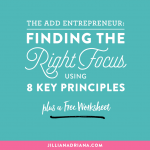
A plain "click here" button can do the job, but visuals strengthen your brand. A promo graphic should show why your content upgrade is worth having and include a preview. Strong promo graphics usually feature a title or call to action, a visual of the upgrade itself, at least three bullet points on how it improves the reader's life, your branding, and a download link. The graphic for this post, for instance, includes all of these. Showing a preview is like letting someone shake a present—it gives them a taste without giving it away. Stick to your brand fonts and colors, and try a bright button color (like yellow) to catch the eye.
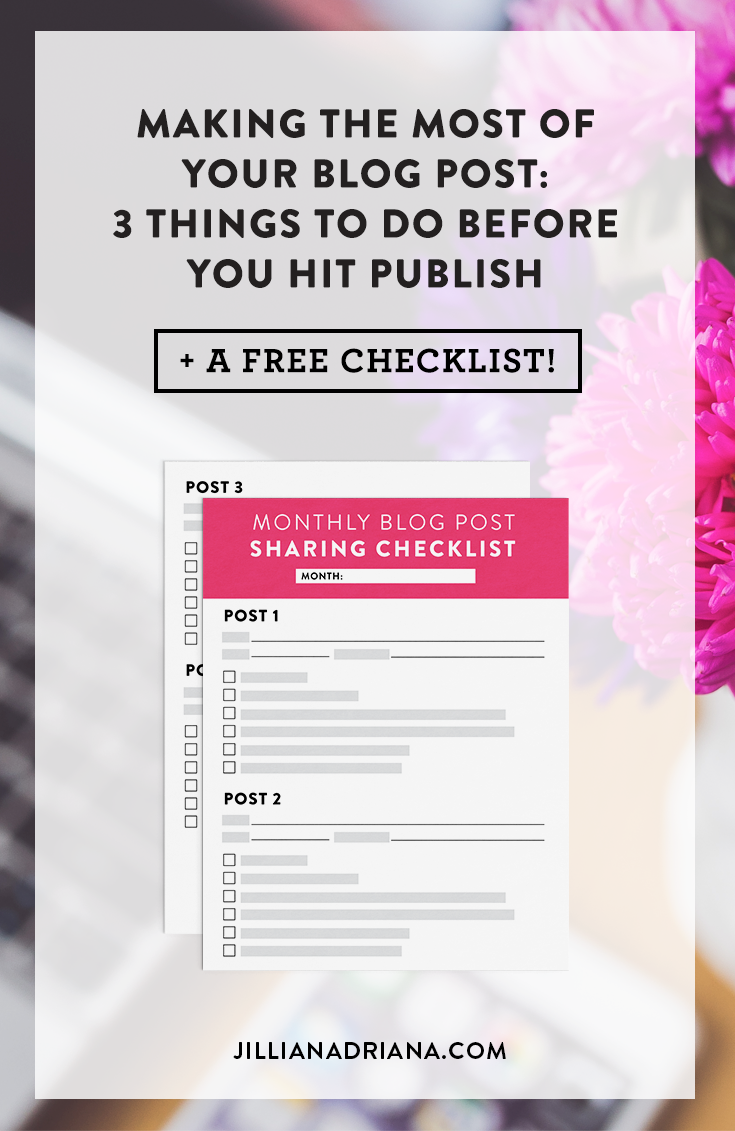
Showing a preview of your content upgrade is like letting someone shake their present to hear what's inside.
Click To Tweet3. Make Social Media Graphics for Your Blog Post
Visuals draw people in more than text-only calls to action, and the same is true for social media graphics. Designing graphics that match your brand's style creates consistency and familiarity, so readers recognize your content as they scroll their feeds. For this post, I made social media graphics that pair with the promo graphic and featured image. The Facebook and Twitter graphics are the same, while the Pinterest graphic includes a preview of the content upgrade. The Instagram graphic uses a brushy font and highlights "On the blog:" for extra visual interest. Making all these graphics for every post is a lot of work, but it's essential for visibility.
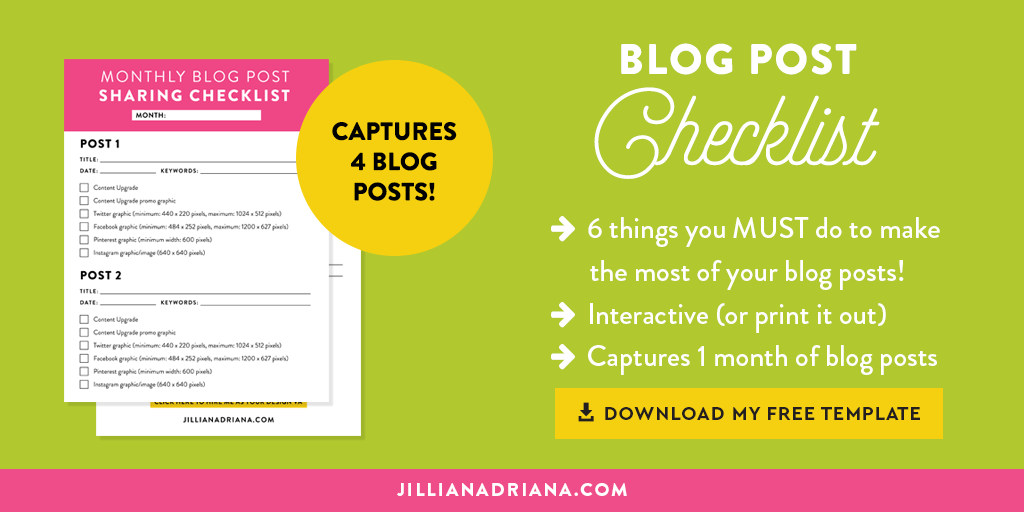
To make this easier, I've put together a monthly checklist that breaks the steps into six detailed actions with specs. It's an interactive PDF you can fill out on your computer or print. I use it for my own blog and client work, and it keeps me productive. If you're still struggling, I'd be glad to help.
Get the ChecklistMeet the Author

Jillian Adriana is a blog strategist and designer who helps entrepreneurs create beautiful, effective blogs. She shares advice on blogging, business, design, and social media.
View all posts by Jillian AdrianaRelated Posts
Categories
Connect with Me


Comments
5 Comments
View CommentsLeave a CommentLeave a Reply
Your email address will not be published. Required fields are marked *
Comment *
Name *
Email *
Website
Post CommentMore from the Blog
Recommended Resources
Get in Touch
Email MeShare This Post
TweetShare on FacebookShare on InstagramPin ItMore About Jillian

Jillian Adriana is a blog strategist and designer who helps entrepreneurs create beautiful, effective blogs. She shares advice on blogging, business, design, and social media.
Recent Comments



Before you hit publish, take a moment to review the pieces that make a post work harder for you: a content upgrade that rewards readers, promo graphics that show its value, and social media graphics that keep your brand recognizable in busy feeds. Together they help your post reach more people and turn visitors into subscribers.